
About
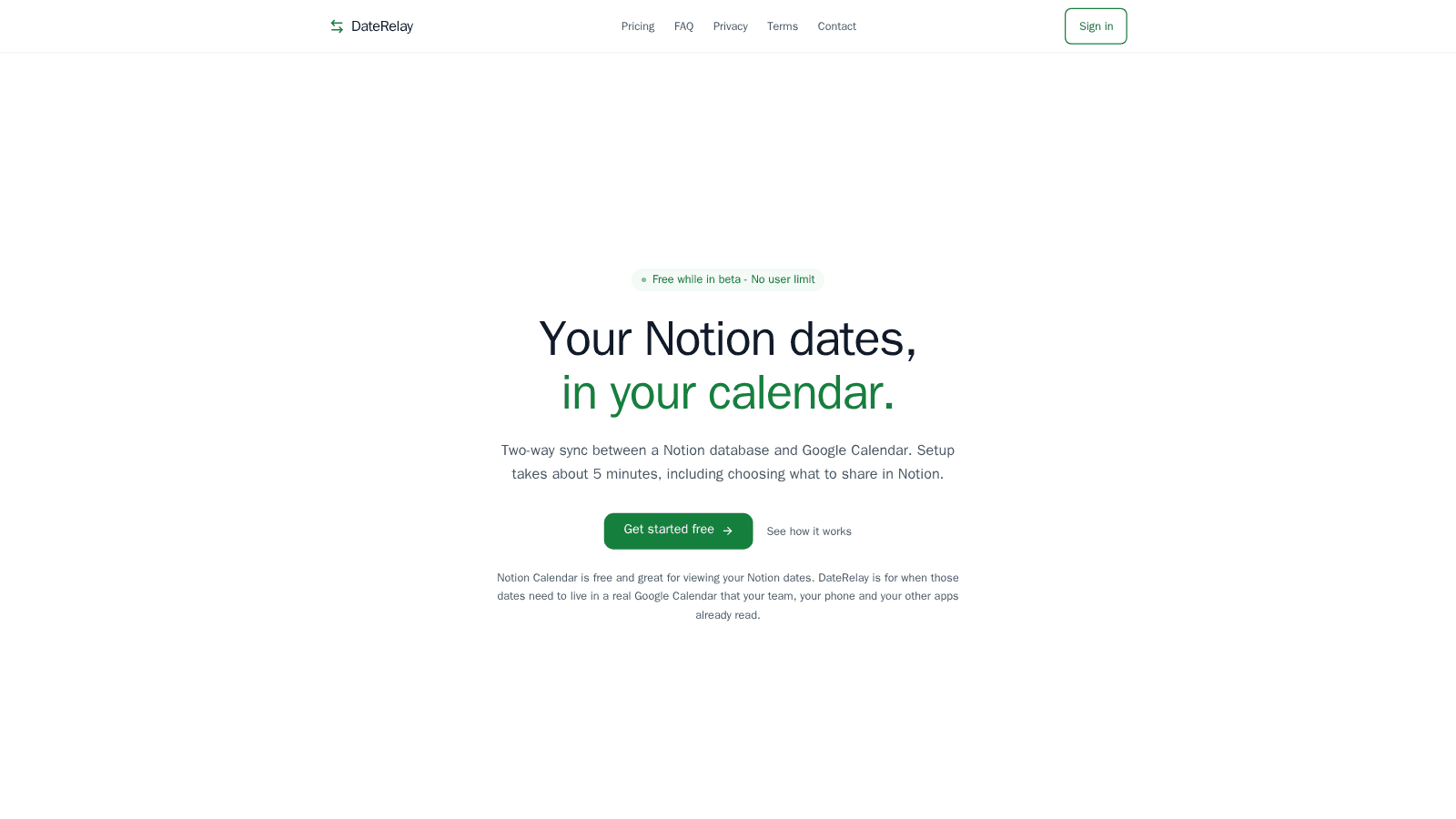
DateRelay keeps one Notion database and one Google Calendar in sync, in both directions. Create or move an event in either place and it shows up in the other within about a minute.
Pick any Notion database with a date property and share only that database with DateRelay. Map your title and date properties (plus optional description and location) to Google Calendar fields. Edits and reschedules sync both ways, so your team, phone and other apps that read Google Calendar always see current dates. Setup takes about 5 minutes.
Free during the beta. After the beta, Pro is $4.99/month or $49/year, with 30 days' email notice before any charge. Google OAuth verified. Tokens are encrypted at rest. Support: [email protected].
Features
- Read, insert, & update contentCan read, insert, & update pages, databases, and blocks shared with this connection.
- View workspace usersReads basic profile details about workspace members and guests.
How to use
- Sign in with your Google account at daterelay.com
- Connect your Notion workspace when prompted
- Select the Notion database and date property you want to sync
- Choose which Google Calendar to sync with
- DateRelay automatically keeps both sides in sync — edit in either Notion or Google Calendar and changes flow both ways